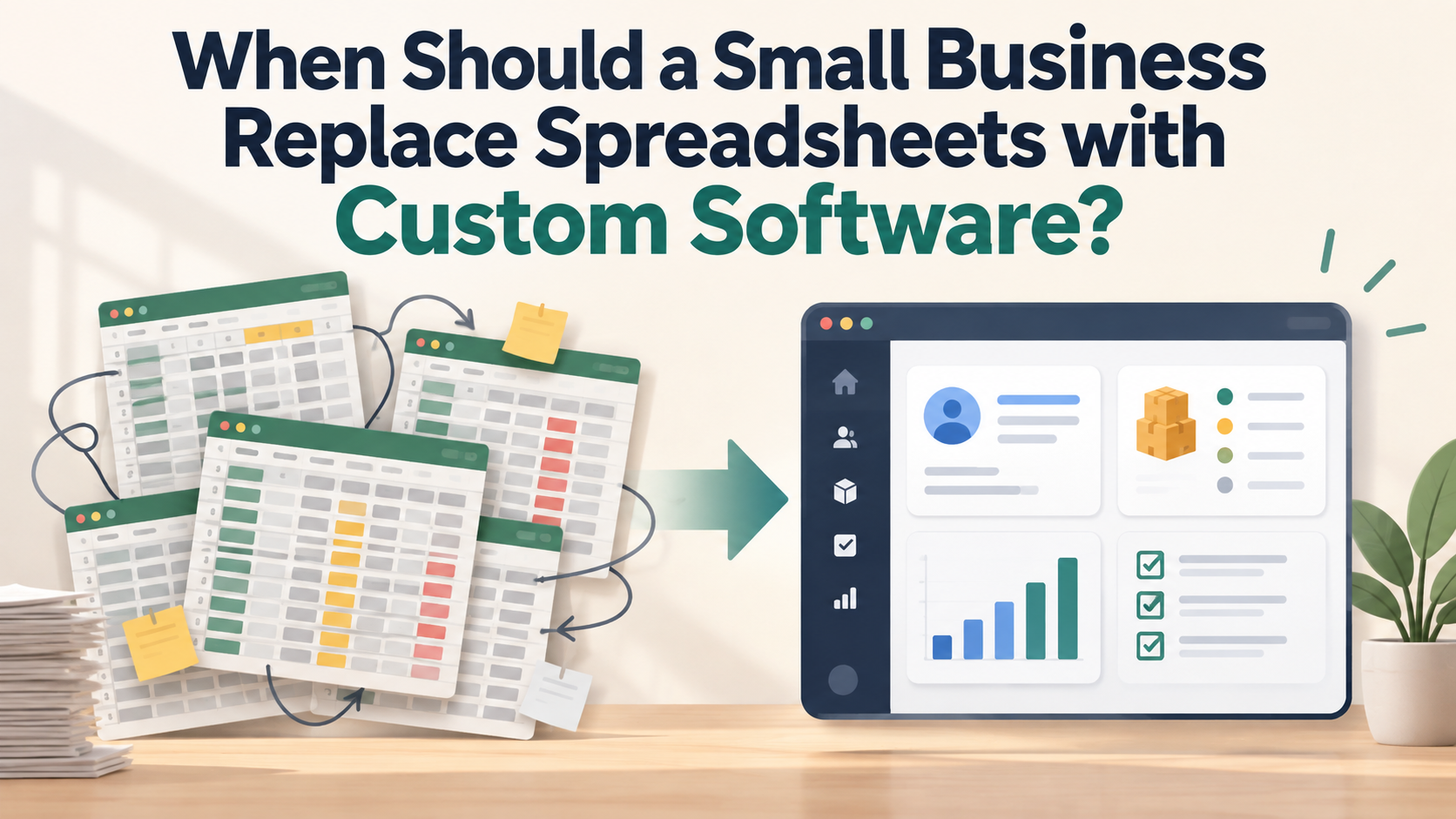
Almost every small business starts on spreadsheets. They're free, flexible and everyone knows how to use them. For a long time, that's exactly what you need.
But at some point, the spreadsheet that once saved you time starts costing you time. So how do you know when to replace spreadsheets with custom software, and when to leave well alone? This guide walks through the five warning signs we see most often, plus the cases where a spreadsheet is still the right tool.
Why spreadsheets work so well at first
Spreadsheets are hard to beat when a business is small:
- No setup cost. Open a file and start typing.
- Total flexibility. Add a column, change a formula, rearrange anything.
- Everyone knows them. New staff need no training.
The problem is that the same flexibility becomes a weakness as the business grows. Anyone can change anything, nothing is enforced, and the file slowly turns into a system that only one person truly understands.
Sign 1: You're entering the same data more than once
Does an order get typed into a spreadsheet, then copied into an invoice, then added to a stock sheet, then summarised in a weekly report? Every re-entry is time you pay for and a new chance for a mistake.
Custom software captures information once and reuses it everywhere it's needed. An order can update stock, create an invoice and feed your reports automatically.
Ask yourself: how many hours a week does your team spend copying data from one place to another?
Sign 2: Errors are creeping in (and you find them late)
Spreadsheet errors are rarely dramatic. A formula gets dragged one row too far. Someone types a price with an extra zero. A filter hides rows that should have been counted. The mistake sits there quietly until a customer, supplier or accountant spots it.
Custom software prevents many of these errors before they happen:
- Validation: a quantity can't be negative, a date can't be in the wrong format, a required field can't be left blank.
- Fixed calculations: totals, taxes and discounts are calculated the same way every time, not by a formula someone might overwrite.
- Dropdowns instead of free text: no more "London", "london" and "Londn" counted as three different places.